
Quick QR Scanner
App · ScanningFast, simple QR and barcode scanning — processed on your device.
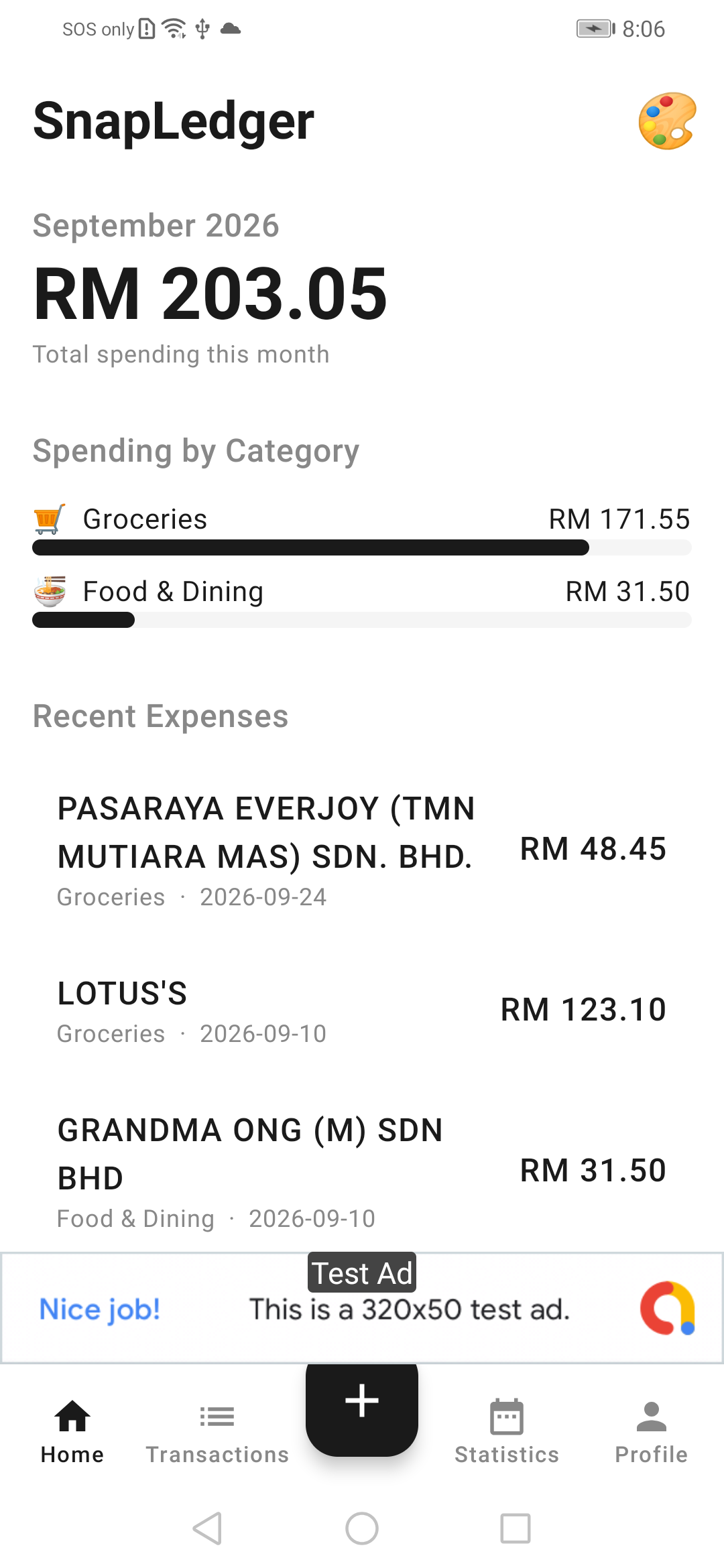
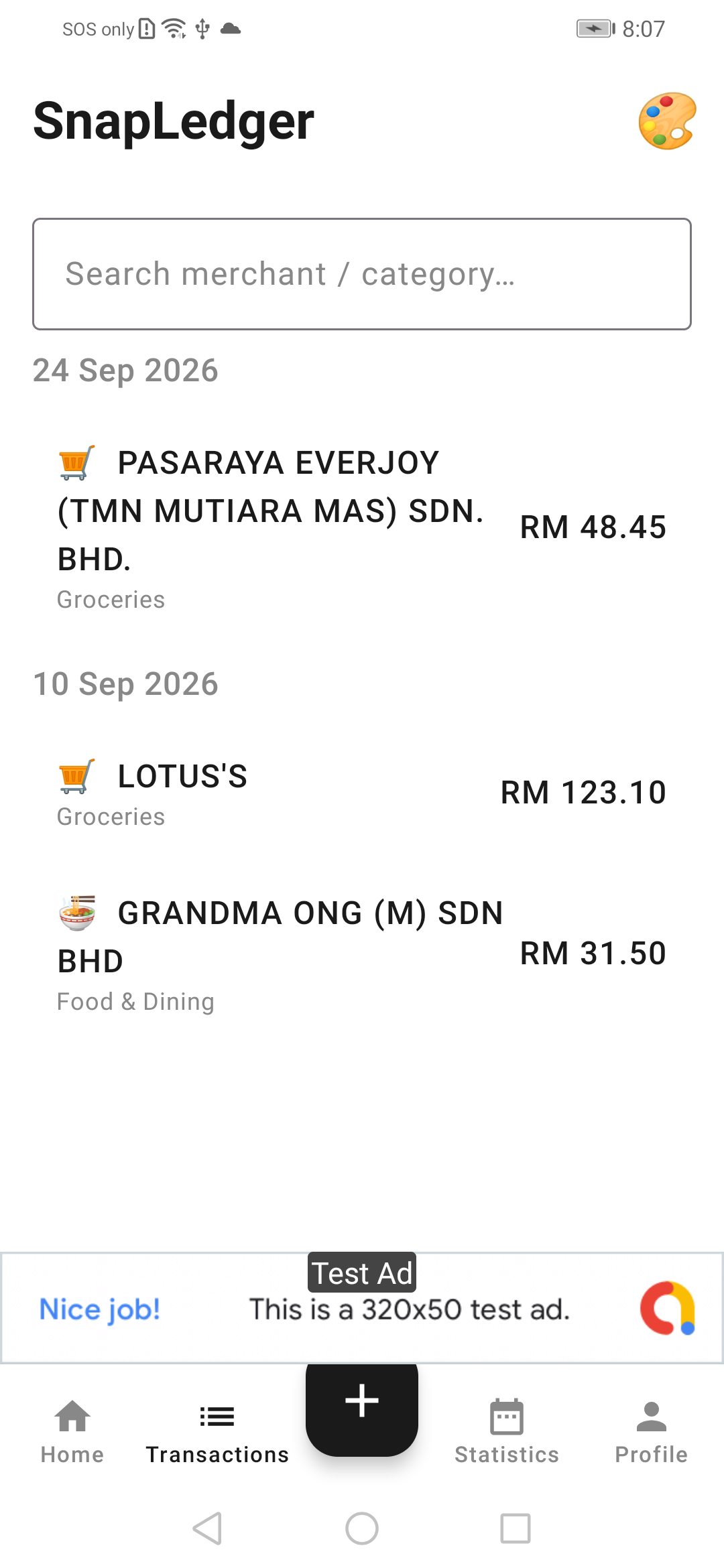
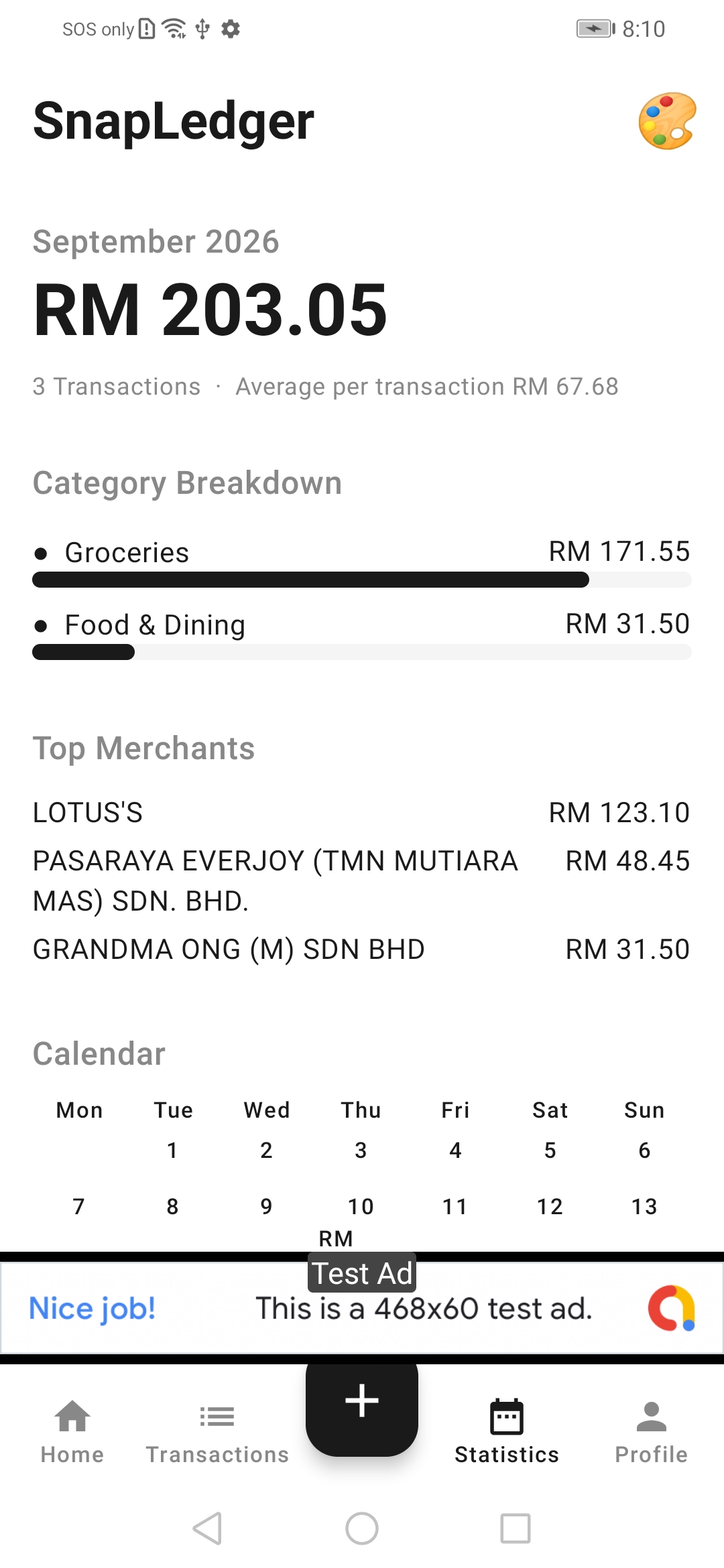
Photograph a receipt, let SnapLedger pick out the useful details, review them, and save the expense. Core tracking works offline and needs no account.
Core expense tracking is designed to work offline. Receipt images stay on your device.
Yes. Extracted fields are shown for review and can be edited before you save the expense.
Use the deletion page linked below, or the in-app options described in the privacy policy.
Fast, simple QR and barcode scanning — processed on your device.
Scan, capture, sign, OCR, QR and PDF — everyday document tools in one app.

Birthdays, countdowns, family ages and date maths in one app.